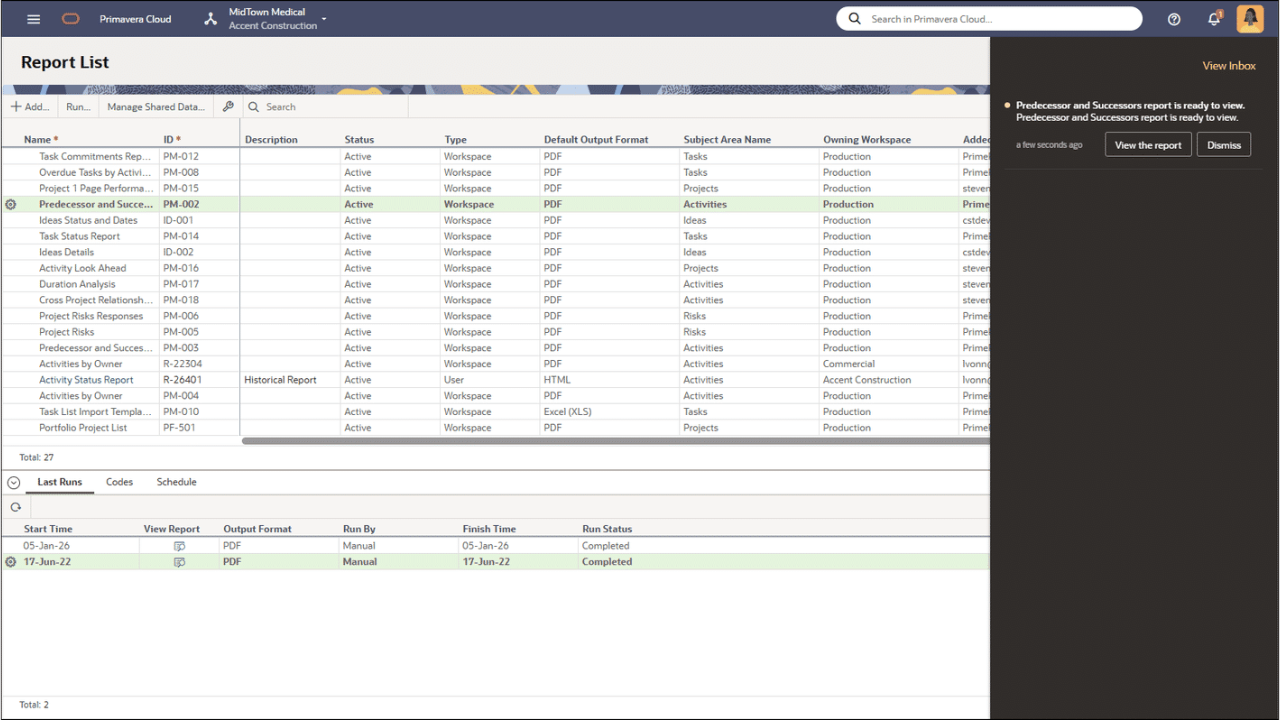
Notifications Added for Completed Reports
Notifications will now appear when a report job is complete, both in the Notifications panel and the Inbox.
Additional Features
Please click on the item to learn more.
Enhanced Messaging on Permissions Required for Resource and Budget Scenario Actions
The message displayed when performing budget and resource planning scenario actions now indicates the permissions required by the assigned user. This applies to the Send for Review, Propose, and Send for Approval actions.
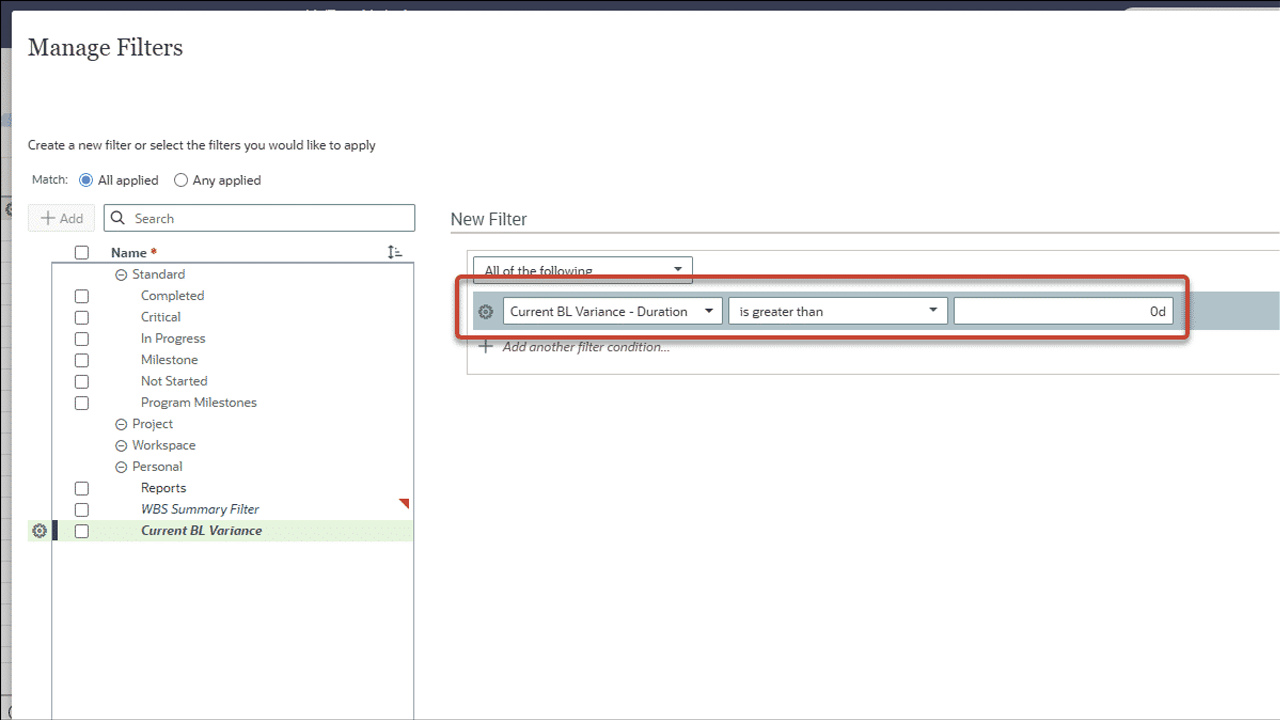
Use Baseline Variance Data in Charts
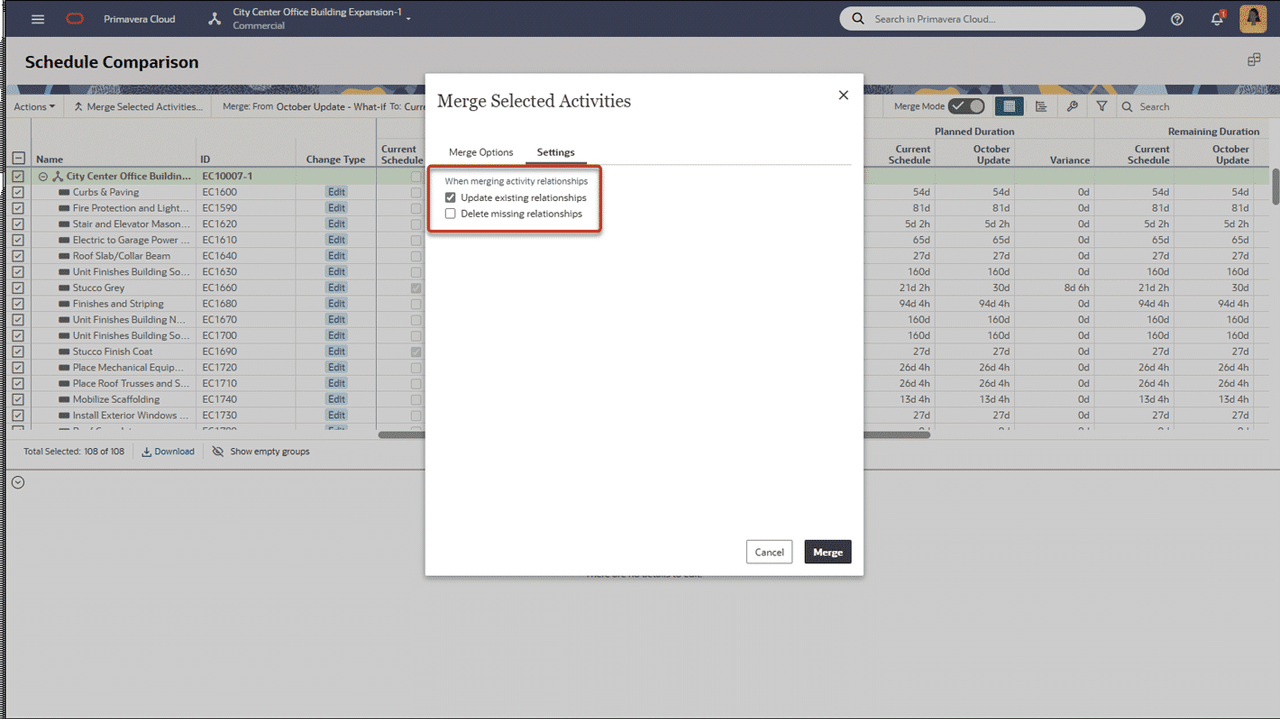
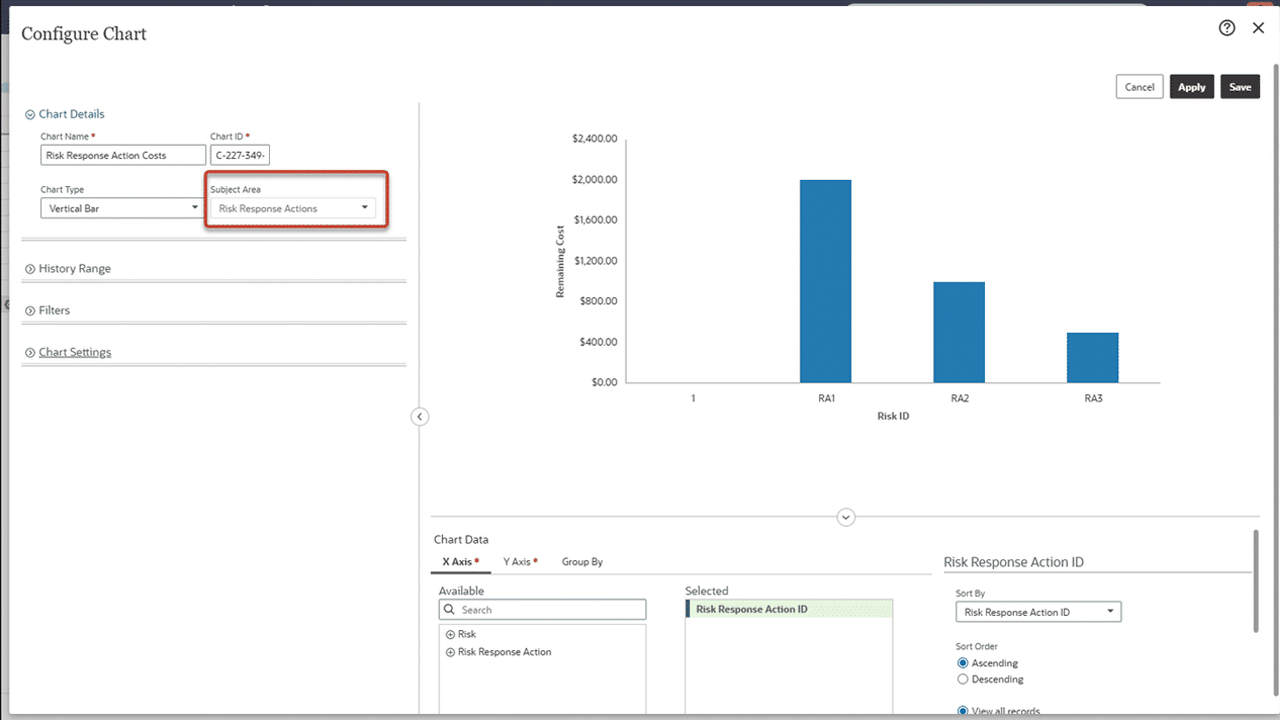
Baseline duration, units, and cost variance are now available to display and use in filters for activity charts. Original, current, and supplementary baseline values are available.
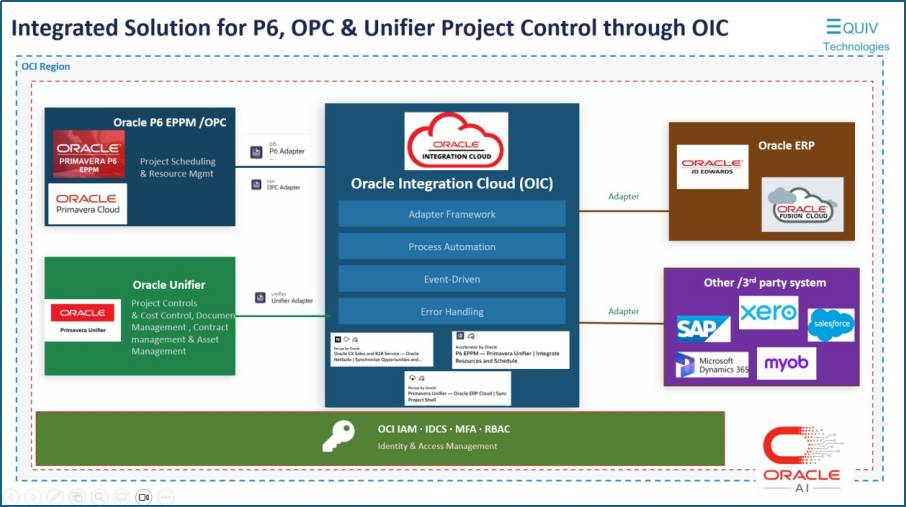
P6 Export and Import Modified to Prevent Duplicate Resource Assignments
Assignment ID values for resource assignments are now included when exporting a project to P6 XML or XER. This field is ignored by P6, but will prevent duplicate assignments when importing a project into Primavera Cloud.
The import functionality has also been modified. The new resource assignment matching logic uses a multi-attribute approach, applied based on availability in the incoming file and match confidence. The following fields are considered:
- Assignment ID
- Object ID
- Activity ID, Resource ID, Role ID and Rate Type
These enhancements allow for the correct import of resource assignments for projects residing in P6 or Primavera Cloud, and ensure accurate rollups, baseline linking, and earned value calculations.
Tooltip Added for Read-Only Dates on the Budget Planning Page
Start and Finish Date fields on the Budget Planning page are read-only when the Timescale Interval is set to Year/Quarter or Year. A tooltip has been added with instructions for setting the interval to Quarter/Month to allow for editing the dates.
Improvements to Reports Created by a Proxy User
A report created by a proxy user will now appear in the Report List for the original user. In addition, the Added By, Added On Behalf Of, and Modified On Behalf Of fields now display the correct values, for both the proxy and original users.
The Full Hierarchy is Now Displayed when Assigning Codes
When assigning a code to a project, activity, task, or risk, the full code hierarchy is now displayed, making it easier to ensure the correct code is selected.